Choosing the right label design workflow can make a significant difference in how efficiently a business manages product identification, inventory, and shipping tasks. Some teams prefer browser-based tools for their accessibility, while others rely on desktop applications for their established printing processes. When evaluating Union Label, understanding the differences between web-based and desktop workflows can help businesses determine which approach better suits their daily requirements.
Both approaches aim to simplify label creation and printing, but their practical benefits depend on how employees access product data, design templates, and manage printing equipment. Factors such as internet availability, printer compatibility, collaboration, and data management should be considered before selecting a workflow.
1. Understanding the Web-Based Workflow
A web-based labeling workflow generally allows users to access tools through a browser without installing a complete desktop application. Depending on the platform, employees may be able to work from different computers and access shared resources through an online account.
This approach can be convenient for small businesses, retailers, and teams that need flexibility. For example, an employee may prepare label designs at one workstation while another team member reviews product information from a different location.
Browser-based tools can also simplify software maintenance when updates are managed by the provider. However, internet access, browser compatibility, and the platform's available features may affect the overall experience.
Before choosing this workflow, businesses should verify which printers and operating systems are supported and whether the available features meet their labeling requirements.
2. Understanding the Desktop Workflow
Desktop labeling software is installed directly on a computer and may provide a more localized working environment. This approach can be useful for businesses that print labels regularly from a dedicated workstation.
Depending on the application, desktop tools may support detailed layout controls, reusable templates, barcode generation, and connections to local files or databases. Some applications can also operate without a continuous internet connection, although licensing or certain features may still require connectivity.
For warehouses and manufacturing facilities, a dedicated desktop setup can provide a consistent process for producing inventory labels, product identification tags, and other operational materials.
The main considerations include installation, software updates, licensing, and access across multiple computers. Businesses should determine whether their chosen application supports the number of users and workstations they need.
3. Comparing Accessibility and Collaboration
Accessibility is one of the clearest differences between web and desktop workflows. Browser-based tools may make it easier for authorized users to access shared designs or information from different locations, depending on the platform.
Desktop workflows may be more closely tied to individual computers, although files can often be shared through network folders or other supported systems.
Consider how your employees work together. A small team operating from one location may benefit from a dedicated printing station, while a business with several departments may prefer a workflow that makes approved templates easier to distribute.
Whichever option you choose, establishing clear rules for editing and approving label designs can help prevent inconsistent layouts and outdated product information.
4. Printer Compatibility and Label Design
Printer compatibility should be a priority regardless of whether you choose a web or desktop solution. Check support for your existing equipment, label dimensions, printing methods, and required barcode formats.
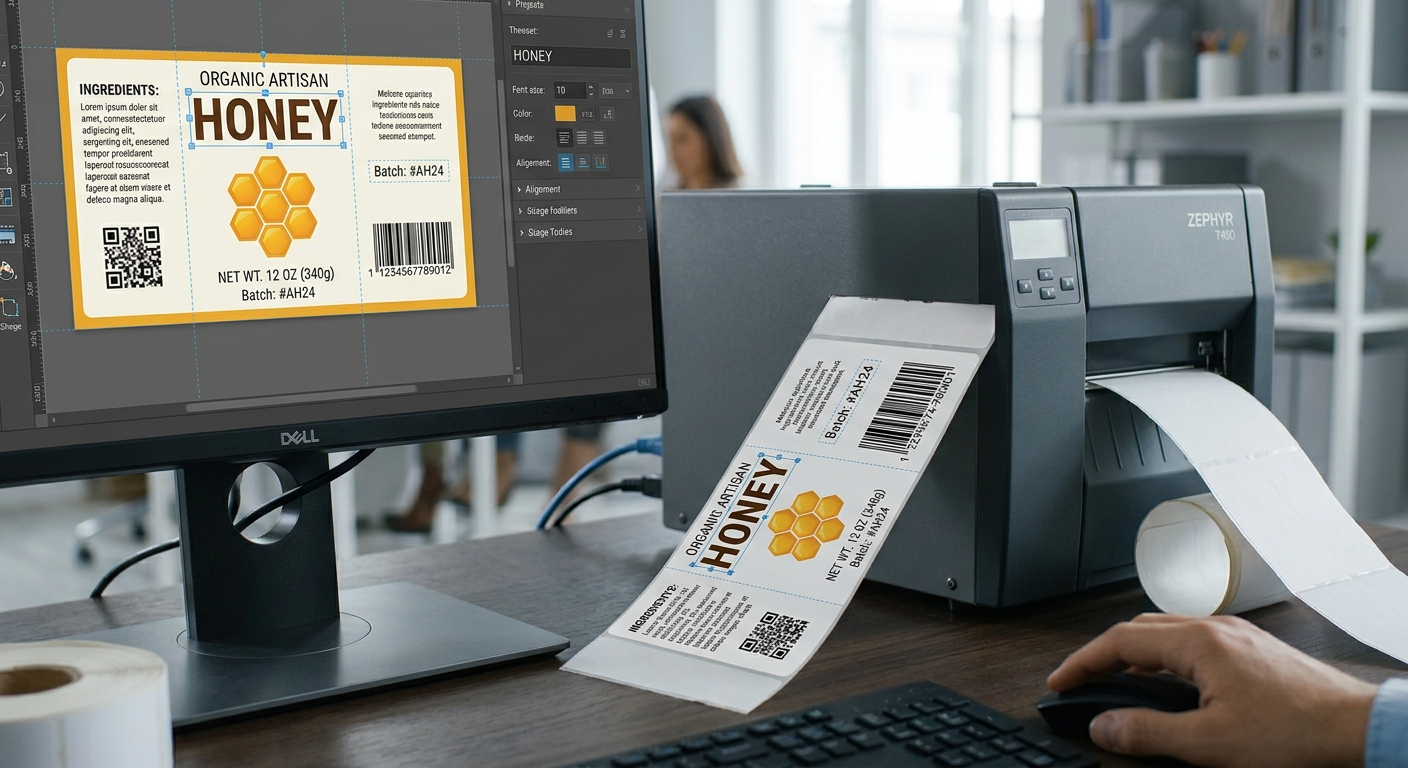
The software should make it easy to create readable layouts, adjust margins, position barcodes, and reuse templates. Businesses that print large quantities may also benefit from spreadsheet imports and batch printing.
A practical workflow includes checking the design before printing, producing a sample, and testing barcode readability with the equipment used in daily operations. These steps help identify alignment problems and data errors before a full batch is produced.
Do not assume that every web or desktop tool offers identical features. Compare the actual capabilities of the available versions before making a decision.
5. Cost, Maintenance, and Data Management
The overall cost of a labeling solution may include subscriptions, software licenses, upgrades, additional users, and equipment requirements. Compare these expenses against the features your business will actually use.
Data management is equally important. Review how product information is imported, stored, updated, and protected. Businesses handling large inventories should maintain accurate source records and ensure that employees use approved versions of templates and product data.
Consider future growth as well. A suitable workflow should accommodate increasing printing volumes, additional products, and changing operational requirements without introducing unnecessary complexity.
Conclusion
Union Label web and desktop workflows can serve different business needs, depending on accessibility, equipment, and printing practices. Browser-based workflows may offer convenient access and collaboration, while desktop applications can suit dedicated workstations and certain local printing requirements. By comparing compatibility, design features, costs, and data management, businesses can select an approach that supports accurate labeling and efficient daily operations.
#LabelDesign #BusinessSoftware #Productivity